

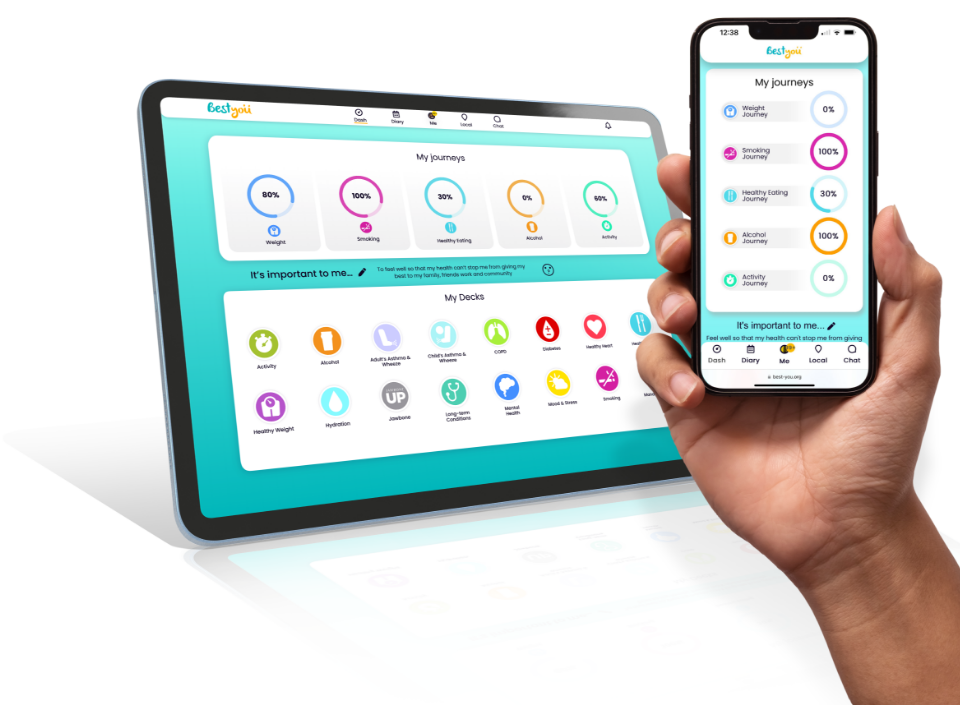
Step 1 | Download the app
You can find the app on your smart device through the Apple AppStore or Google Play. Search 'Best-You' in your store or simply click below.


The app works in synchronisation with the Best-You.org website to help you access wider Best-You features. You can log in via the app or the website and your progress will be up-to-date on both.

Step 2 | Sign in or register
Check the email that your signed up with for your activation email, and tap the activation link in the email. If you can't see the email, please check your junk and spam folders. Then just return to the app and log in with the email address and the password you created. You'll then be able to make logging in simpler by creating your own pin for future log ins. Take a read through the introductory pages and you're all set up!
Step 3 | Select and start a journey
1 Tap the theme that you would like to take a journey of change in and enter your motivation to start.
2 Add theme relevant current details (e.g. your height & weight, activity levels etc.) using your keypad or tap the plus and minus buttons (you can switch measurement types).
3 Complete the questionnaire to personalise your content and journey.
4 Set your goal and any reminders to help you track your progress - you're now ready to start tracking.
5 To track your progress, tap the theme area and add in your tracking details there.
Customise your reminder/notification settings by tapping your avatar at the top of the app home page and then tapping 'My Settings'.
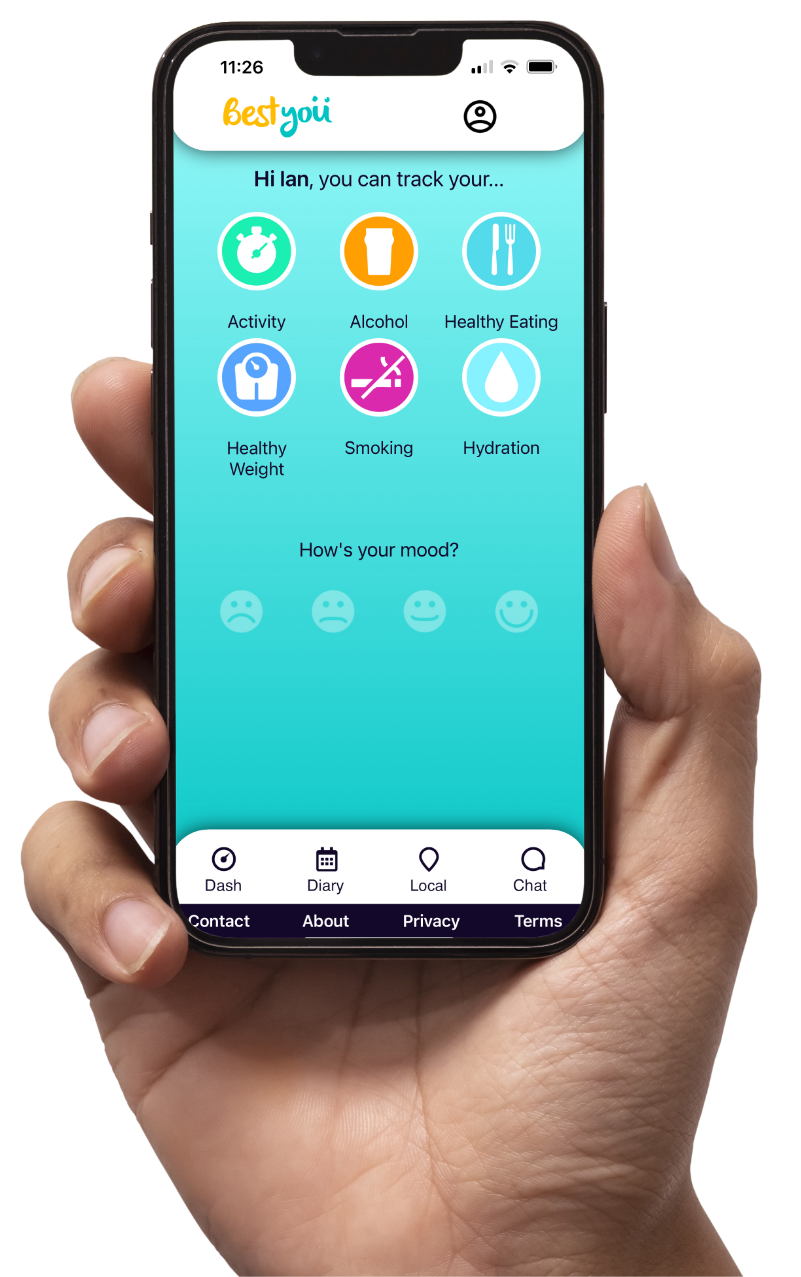
The Healthy weight journey features support and advice articles unlocked each week.
Groups
Connect with others for support and motivation towards your goals.
1 Tap on the group icon in the bottom right hand corner.
2 Tap 'find a group' to search for your local area and/or a key term.
3 Tap 'join now' for your request to be processed by the group.
4 Can't find a group that fits? - Set up a new group. Tap 'create a group' fill in the details and tap 'save group'